
Meet zrok, the World-Leading Open-Source, Zero-Trust Peer-to-Peer Tunneling and Ingress Solution
Brought to you by NetFoundry and built on OpenZiti, NetFoundry’s open source Zero Trust networking platform, zrok is available as SaaS or self-hosted.
Instant, Secure Tunneling From Anywhere
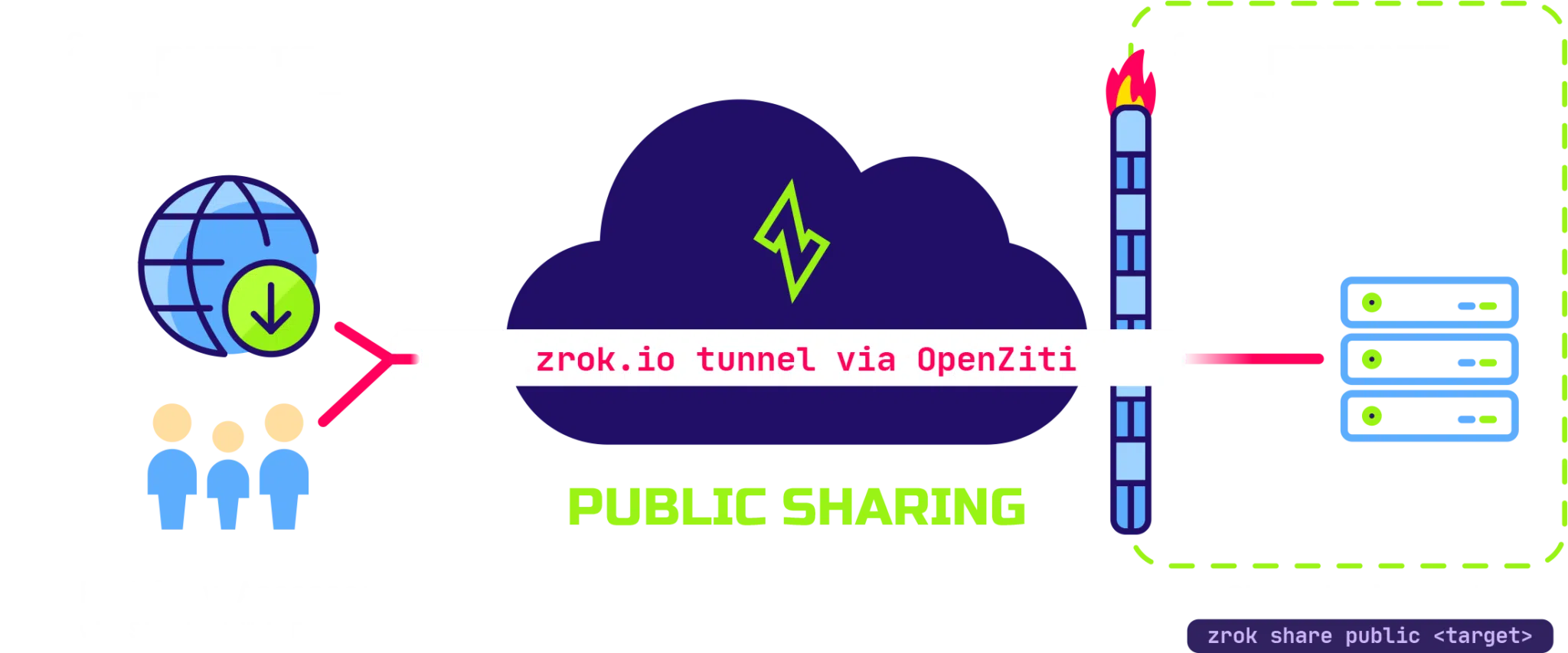
zrok provides private or public, instant, secure tunneling of applications from anywhere. Secured effortlessly by using a Zero Trust overlay network provided by OpenZiti.
Beyond HTTP Proxies
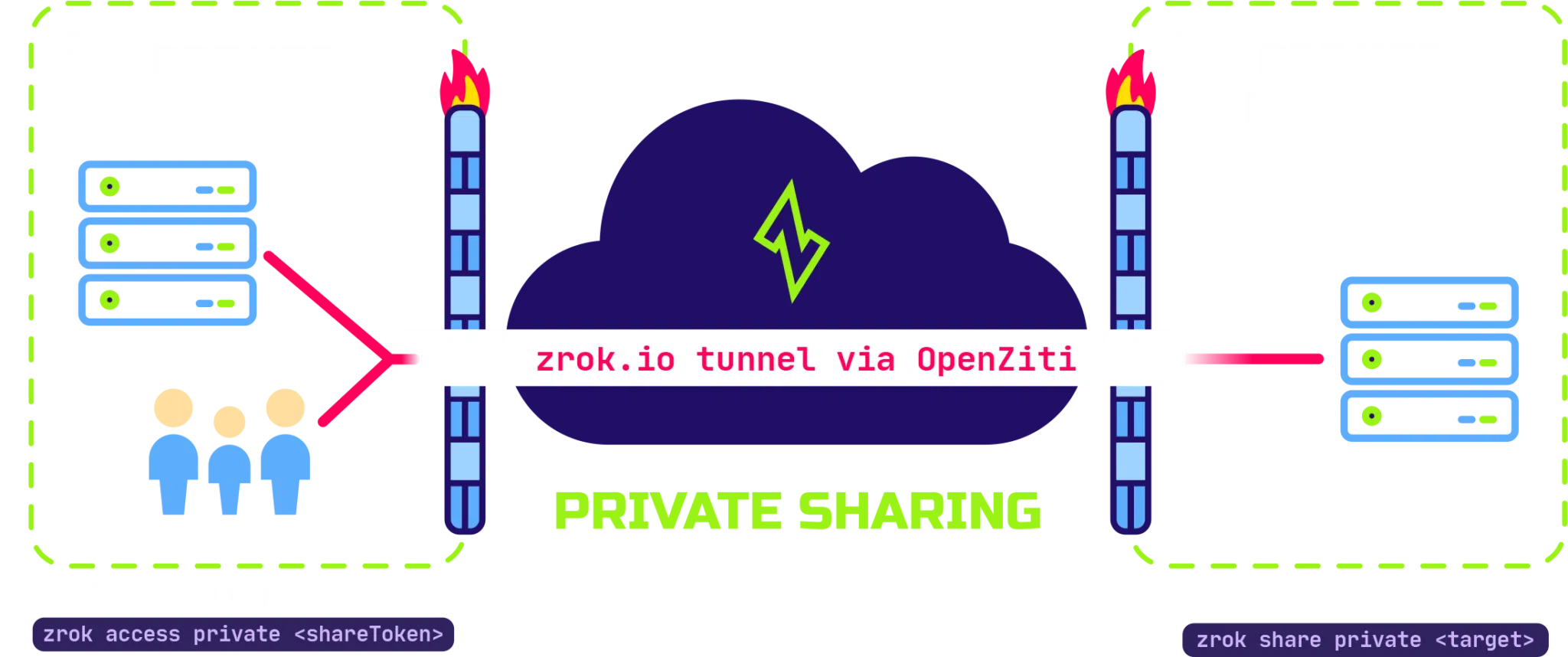
Privately share resources with other zrok users. In private usage scenarios your private resources are not exposed to any public endpoints, and all communication is securely and privately transported between zrok clients.
Learn More
Files, Repositories, Video… Decentralized
zrok allows sharing other types of resources. Rather than just proxying HTTP endpoints, zrok lets users easily and rapidly share files and web content.
zrok is also ready to be extended to support many kinds of decentralized resource sharing. It provides a framework that makes this kind of peer-to-peer resource sharing simple and secure.
Learn More
Choose Your Own Adventure
zrok is designed to scale up to support extremely large service instances. Zrok.io is a public service instance operated by NetFoundry using the same code base that is available to self-hosted environments.
zrok is also designed to scale down to support extremely small deployments. Run an OpenZiti network with zrok layered on top of it on a Raspberry Pi. The single zrok binary contains everything you need to operate zrok environments and host your own service instances. Just add a Ziti network and you’re up and running.
Learn More

Built on Open Source Zero Trust
zrok is built on top of OpenZiti, a free open source project focused on bringing Zero Trust to any application.
Learn MoreEnable Instant Secure Ingress to Your Apps
You can be up and sharing with zrok in minutes with these simple steps.
Invite
Download the binary for your platform, then run
zrok2 invite to create an account with the service.
Enable
Run zrok2 enable to enable your shell environment for sharing with
the service.
Share
Run zrok2 share to share resources immediately, simply, and securely.